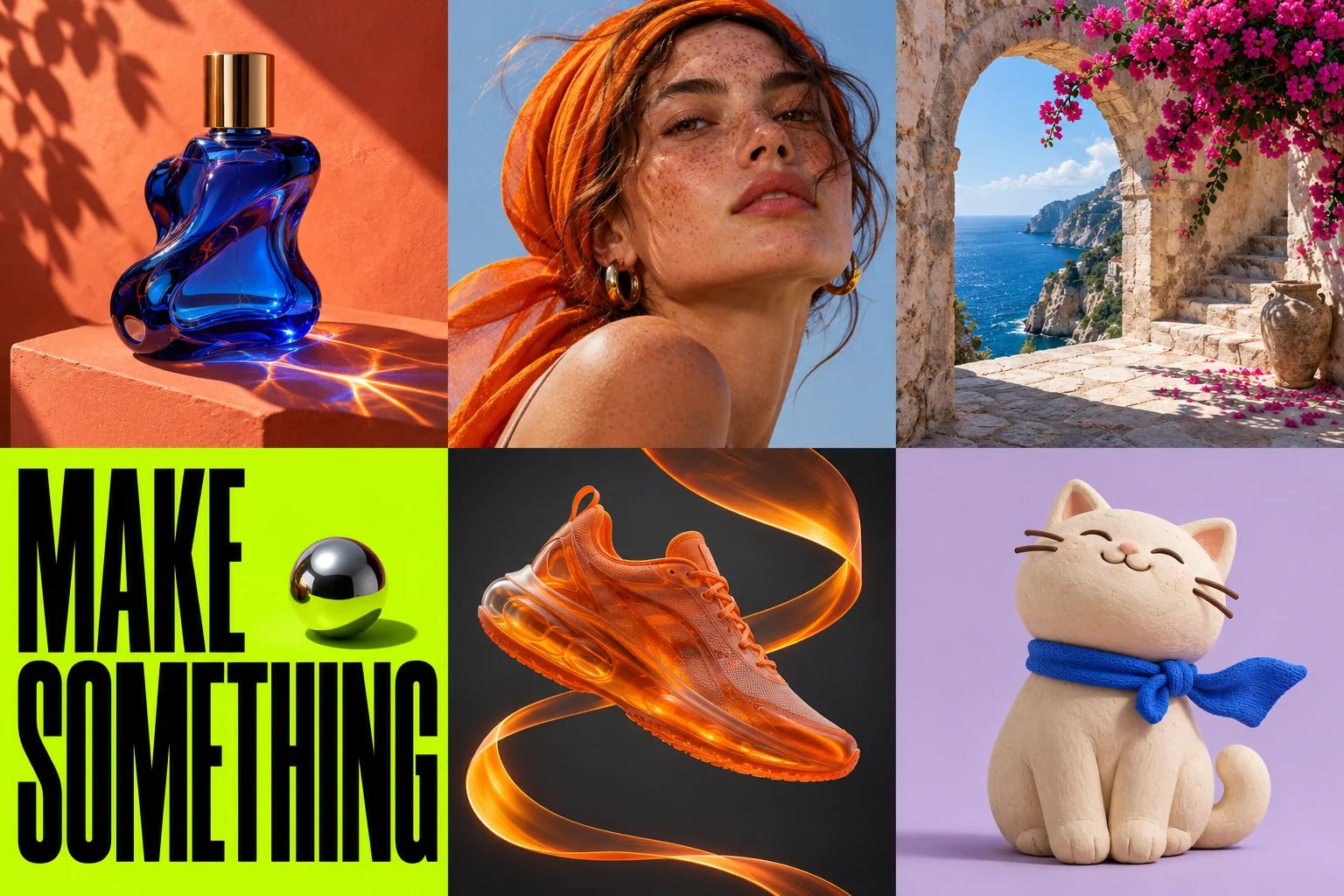
Start with one visual job
A product listing photo, an editorial portrait and an event poster need different briefs. Name the deliverable first. “Studio product photo for a skincare listing” tells the model more than “make this professional.” Decide where the image will appear and how much space is needed around the subject.
Build your prompt in five parts
Use this order: subject, setting, composition, lighting and finish. For example: “A cobalt glass perfume bottle on an orange stone plinth, centered with space above, hard morning sunlight from the left, realistic glass reflections, no text.” Keep details that serve the same visual direction. Remove conflicting instructions such as soft light and razor-sharp noon shadows.
Use exact words for lettering
Put the requested headline in quotation marks and state its position. Keep the message short. Ask for a clear margin around the words. Generative lettering can still contain mistakes, so inspect punctuation and every number at full size. Use a design editor for a final regulated claim or a legal line.
Change one thing at a time
Save a useful prompt before refining it. If the composition works but the color does not, change the color instruction alone. Compare the next image with the previous one. A sequence of small changes is easier to evaluate than rewriting every part of the brief.
Choose framing for the destination
Use Square for a tile, Landscape for a wide placement or Portrait for a vertical composition. Images26 currently offers Auto, 1:1, 3:2 and 2:3. Leave room for a later crop if the destination uses another ratio. The current integration uses automatic quality.