Image editing / GPT IMAGE 2.6 PROMPT
Remove an object from a photo
Remove a specific object from a reference photo and describe how to fill the space it leaves with matching texture and light.
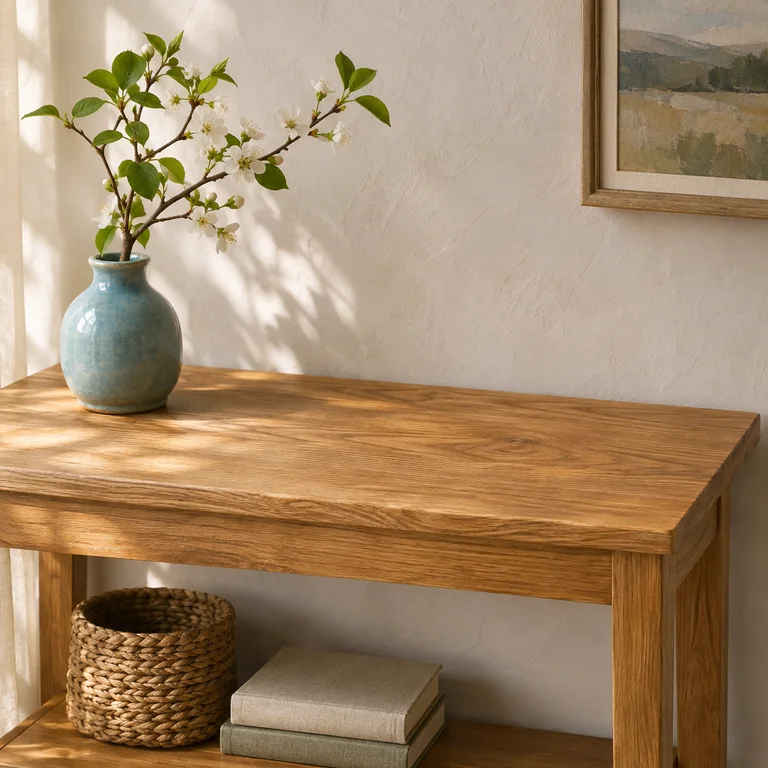
Illustration generated separately from the Images26 production workflow.
Try this prompt
Edit the uploaded photo. Remove the red mug on the right side of the oak table, including its shadow. Continue the surrounding wood grain through that area, following the tabletop’s perspective and lighting. Preserve the vase, the table edges, the wall, the crop and the camera angle.
Upload one photo. Replace the mug and its location with the object you want removed. Describe the surface behind it and name any nearby details to preserve.
Use this promptWhat to check in your result
Zoom in on the edited area. Check for repeated texture, leftover shadows and broken edges. Compare the crop and nearby objects with the original.
Prompting technique adapted from the OpenAI image prompting guide.