Design / GPT IMAGE 2.6 PROMPT
Step-by-step infographic
Explain a simple process with short labels, clear arrows and one visual per step. This example shows how to make cold brew.
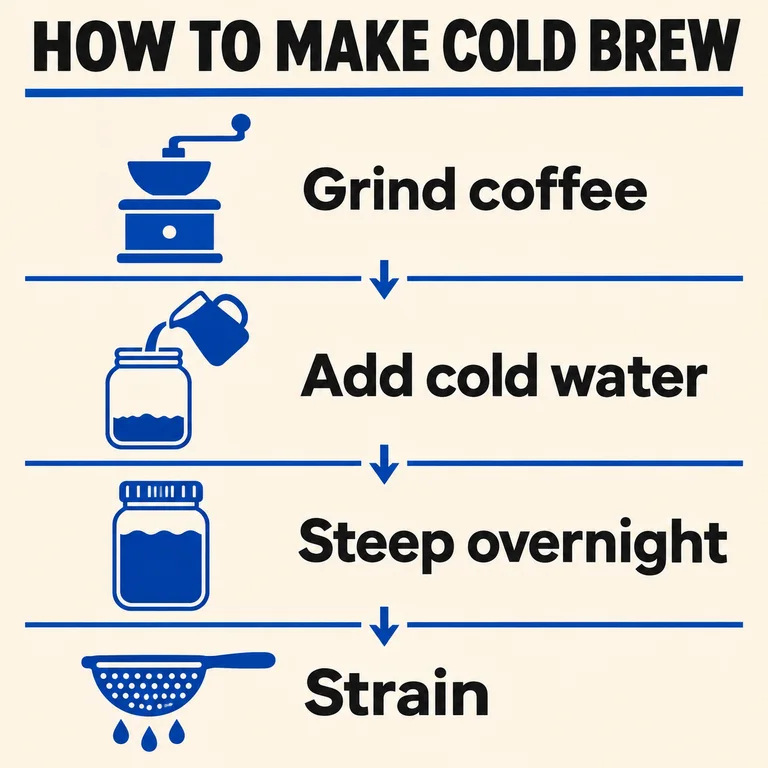
Illustration generated separately from the Images26 production workflow.
Try this prompt
Design a square instructional infographic for beginners with the headline "HOW TO MAKE COLD BREW". Stack four steps from top to bottom, linked by small downward arrows. Use these exact labels in order: "Grind coffee", "Add cold water", "Steep overnight", "Strain". Give each step one simple icon. Use a warm ivory background, dark lettering and cobalt blue accents. Keep labels easy to read at thumbnail size. Use only the headline and four labels.
Replace the headline, labels and icons with your own process. Give the steps in the order they should appear and put each exact label in quotation marks.
Use this promptWhat to check in your result
Check each label against your brief. Follow the arrows in order and verify that each icon shows the step it belongs to.
Prompting technique adapted from the OpenAI image prompting guide.