Products
THE IMAGE IS JUST THE BEGINNING
Create from a prompt. Reimagine a photo.
Make something that feels like you.
A SPARK FOR YOUR NEXT PROJECT
Borrow a direction. Make the details your own.
Explore the prompt libraryIllustrative creative directions, generated for this site. Your results will vary.
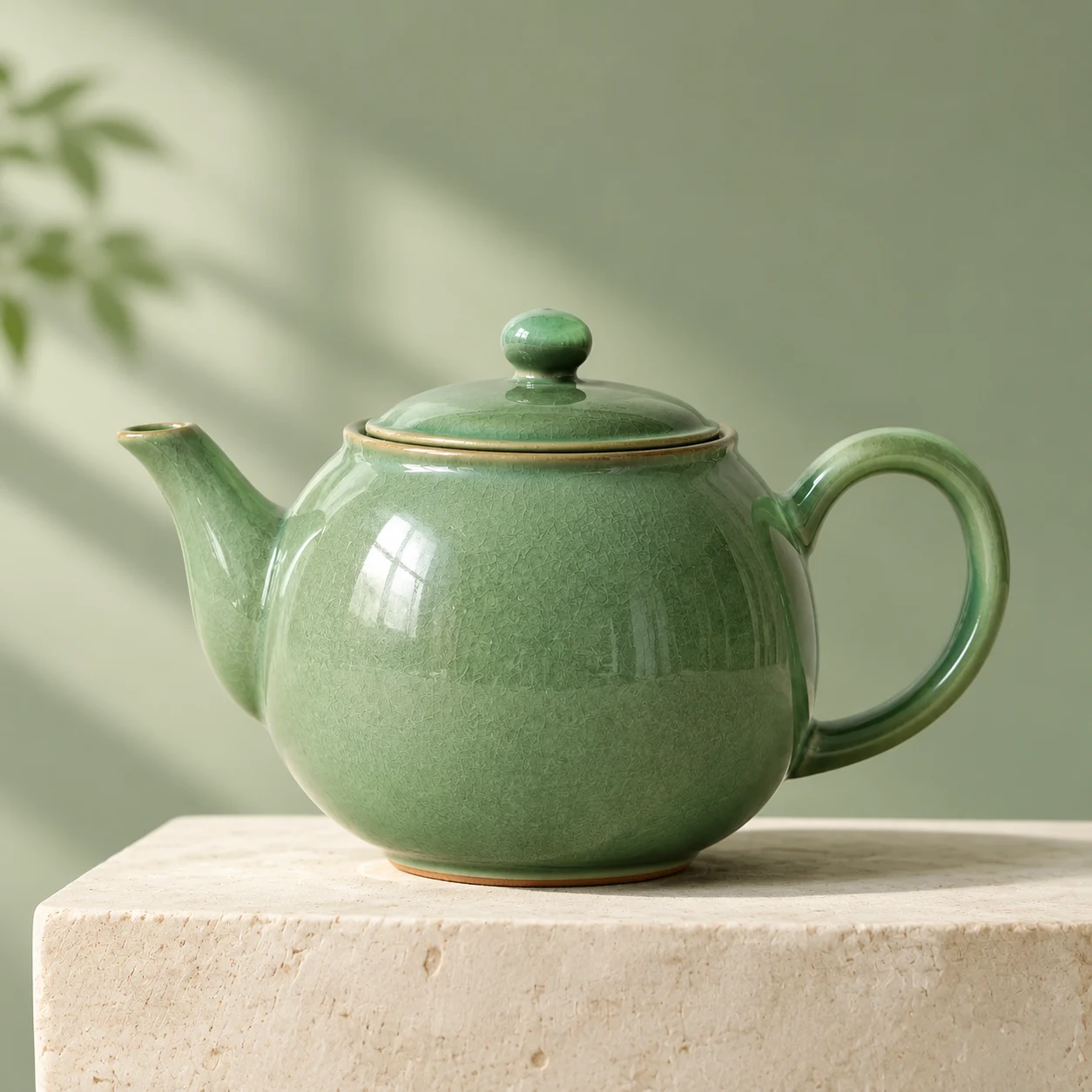 VERIFIED IMAGES26 EDIT · NOVEMBER 8, 2026
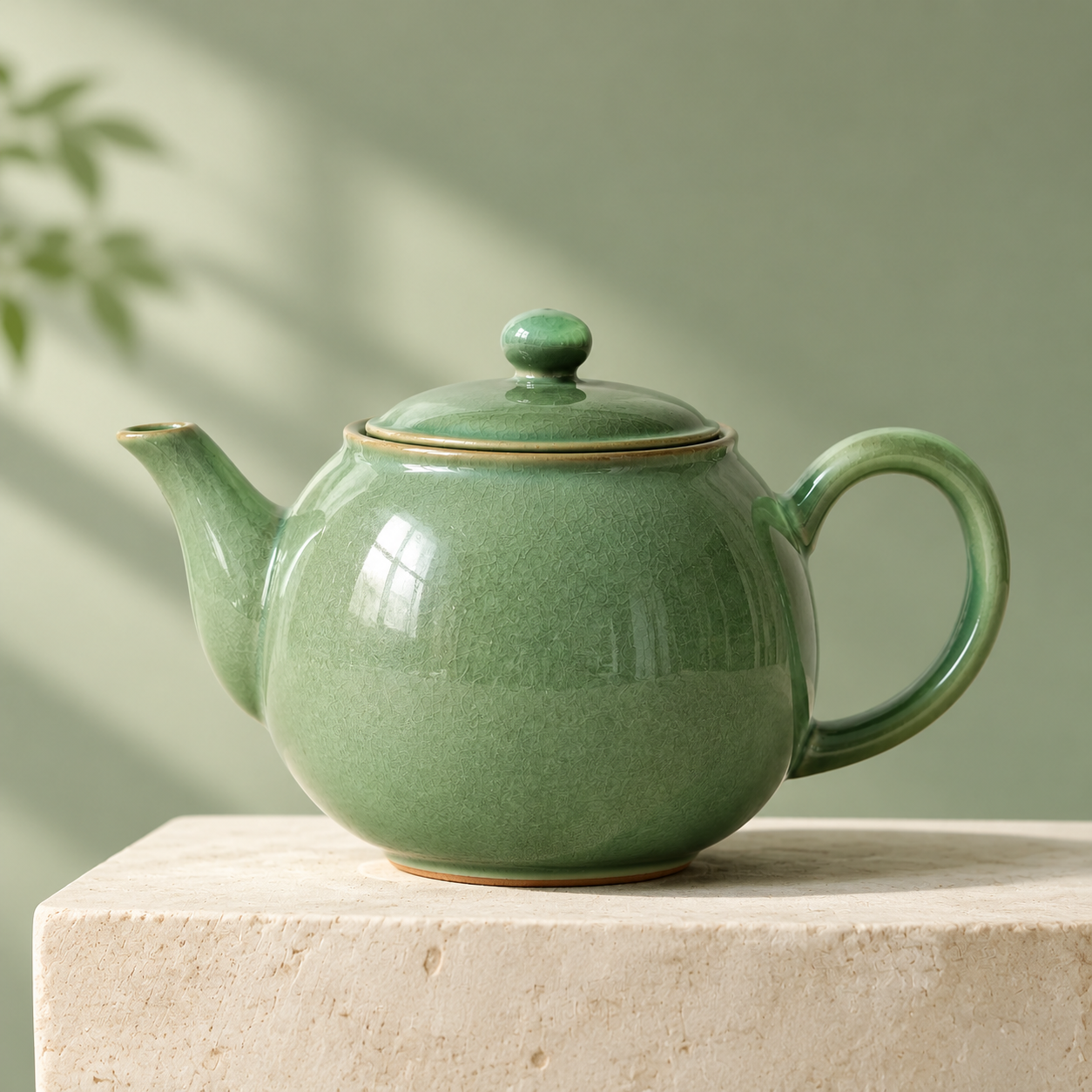
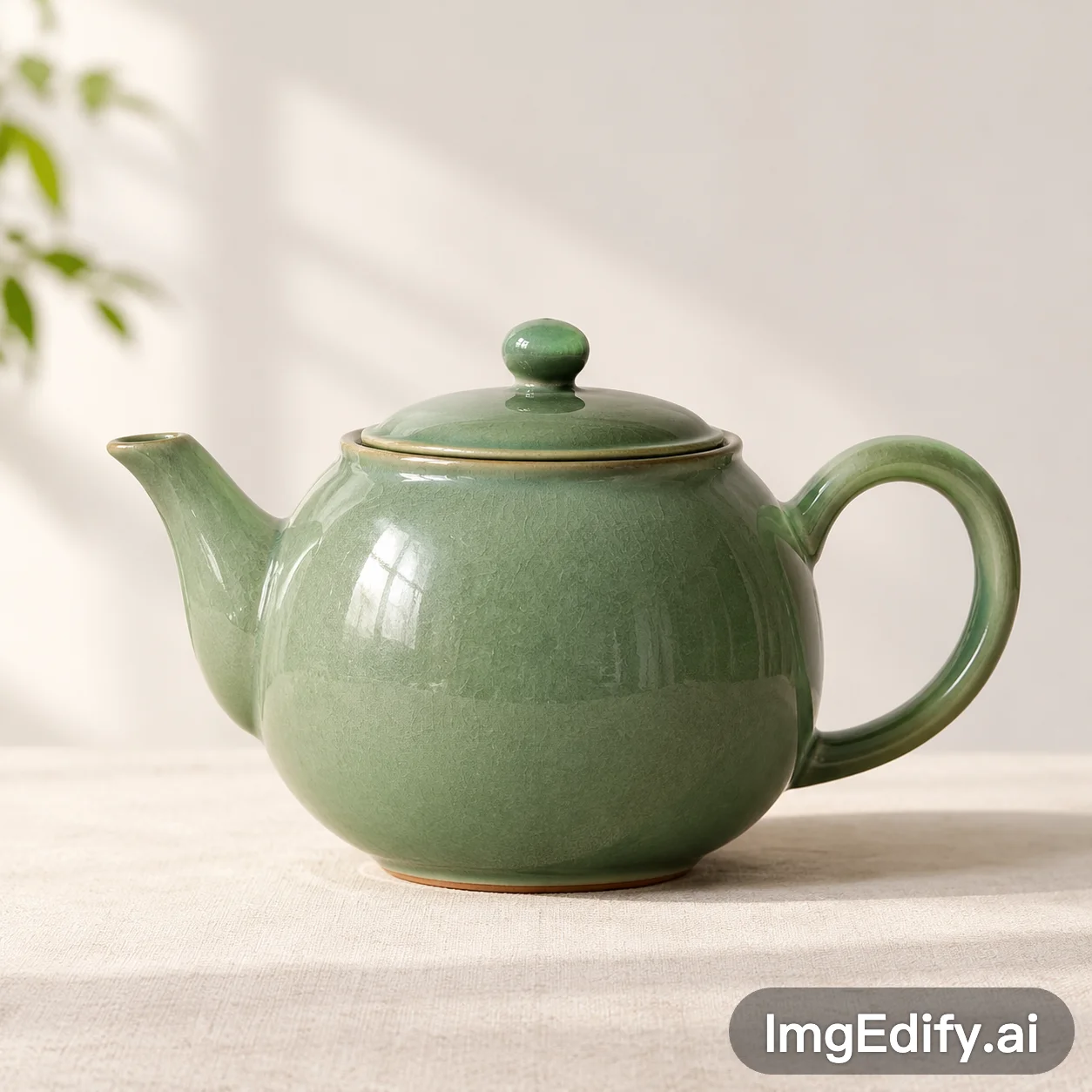
We used a green teapot reference, asked for a sage backdrop and a cream stone plinth, then downloaded this result through Images26.
Use the reference green ceramic teapot as the subject. Place it on a cream stone plinth against a muted sage green studio backdrop. Preserve the teapot proportions and glossy green glaze. Square studio product photograph, soft directional daylight, realistic shadows, no text.
Original download: PNG, 1254 × 1254. Verified with the current Images26 integration; results can vary.A simple workspace for the whole creative loop.
Write a brief, use a prompt from the library or upload a reference image.
Describe the scene, lighting and details. Choose a frame and check the 10-credit cost.
Check lettering and important details. Download the result or try a focused revision.
A practical prompt structure for subject, composition, lighting and exact text, with examples for product images and posters.
Read the guidePrepare a reference photo, write a focused edit and check the details that matter before downloading.
Read the guidePlan backgrounds, realistic lighting and label checks for product visuals created with GPT Image 2.6.
Read the guideImages26 is an independent image creation workspace. It connects to the GPT Image 2.6 model through a third-party image service for text-to-image generation and reference image editing. It is not affiliated with OpenAI.
Write a prompt or upload a reference image, choose Auto, Square, Landscape or Portrait, then sign in and review the credit cost. Submit your request, follow its progress and download the result when it is ready.
Yes. Choose Image to image and upload a JPEG, PNG or WebP under 10 MB. Describe what should change and which details should stay. Review the result for unintended changes, especially faces, product labels and text.
New Images26 accounts receive 20 starter credits, enough for two generations at the current cost of 10 credits each. This is a limited trial. Additional credits are not available for purchase until billing is enabled.
The current Images26 integration creates static images with automatic quality and Auto, 1:1, 3:2 or 2:3 framing. Final image dimensions depend on the provider. GIF, SVG, 4K controls and Flare or Sunburst selection are not currently offered here.
A request confirmed as failed returns its reserved credits once. If the provider status is unknown, the request stays pending so that it is not accidentally submitted twice. You can check it again in My creations.
Check the applicable model and provider terms and the rights to any material you upload. You are responsible for reviewing generated work before publication. Images26 does not guarantee exclusivity or third-party rights clearance.
Reference uploads are stored in a private bucket and accessed using temporary signed links for processing. Your generation history is available only to your account. Download finished results promptly because provider links can expire.